
Managed IT for Oregon Accounting Firms
Protect Client Trust with Managed IT Built for Accounting Firms
1Up Solutions Northwest helps Oregon accounting firms keep systems secure, backed up, monitored, and supported, so technology doesn’t slow down the work your clients count on.
Free, no pressure, and built to help you spot risks to uptime, security, backups and remote access

Serving Oregon
businesses since 2003

24/7 monitoring
+ live help desk

Flat-rate
managed IT support

Responsive,
plain-English help
Security, backup
& Microsoft 365
Workstation &
remote support
Serving Oregon
businesses since 2003
24/7 monitoring
+ live help desk
Flat-rate
managed IT support
Responsive,
plain-English help
Security, backup
& Microsoft 365
Workstation &
remote support
What our customers are saying
Customer-first support from a team that understands everything a small accounting firm is juggling.
I love One Up because they have a customer service ethic that is all about the customer need. They understand time constraints, the many plates a small business owner has to manage, and they facilitate my Absent Minded Professor quirks (I can’t get this printer button to stop blinking. Help!) Lovely people.

What’s at Stake for Your Firm
Accounting firms hold sensitive client data and work against hard deadlines.
When technology fails, the impact reaches far beyond an interrupted workday.
The Data You Hold Is
What Attackers Want
Your accounting firm holds some of the most sensitive information your clients own: social security numbers, account details, entire financial histories. That makes you a primary target and it puts you under data-protection rules whether or not you have the in-house expertise to meet them.
When Tax Season Hits,
Downtime Isn’t an Option

Every hour counts and deadlines don’t move. A server that drops, an email outage, or a problem in the office no one can fix doesn't just slow you down, it threatens filings, frustrates your clients, and piles stress onto your busiest weeks of the year. Waiting on a slow support ticket while the clock ticks is the last thing your firm can afford.
A Failed Backup Shouldn't Put Client Records at Risk
A crashed hard drive, an accidental deletion, or a team working across home, office and client sites shouldn’t put your data and your day at risk. For a firm whose work is its clients’ records, losing access to that data even briefly isn’t an inconvenience; it’s a threat to the work itself.
If the stakes are this high, why do they catch so many accounting firms off guard? It starts with the kind of IT support most firms receive.
Ransomware Doesn’t Wait for a Convenient Time
Attackers know accounting firms run against hard deadlines, and that a locked system during tax season is worth paying to unlock fast. That’s exactly what makes a firm a target, not size, but its data and its dependence on access.
A single ransomware event can take down filings in process, freeze your client records, and turn a normal workday into a crisis you’re paying to end.
Why Generic or Reactive IT Support Falls Short
There are four primary reasons why generic or reactive IT support falls short when you’re running an accounting firm:
-
01Break-fix support waits until something breaks before action is taken.
-
02Internal admin staff are often stretched too thin.
-
03Generic support may not understand the urgency of your accounting deadlines.
-
04Slow tickets are more expensive during your tax season.
What 1up helps put in place
What 1Up Helps Put in Place
Here’s what we install to help you catch and reduce threats before they disrupt your firm, expose client data, or slow down your team:
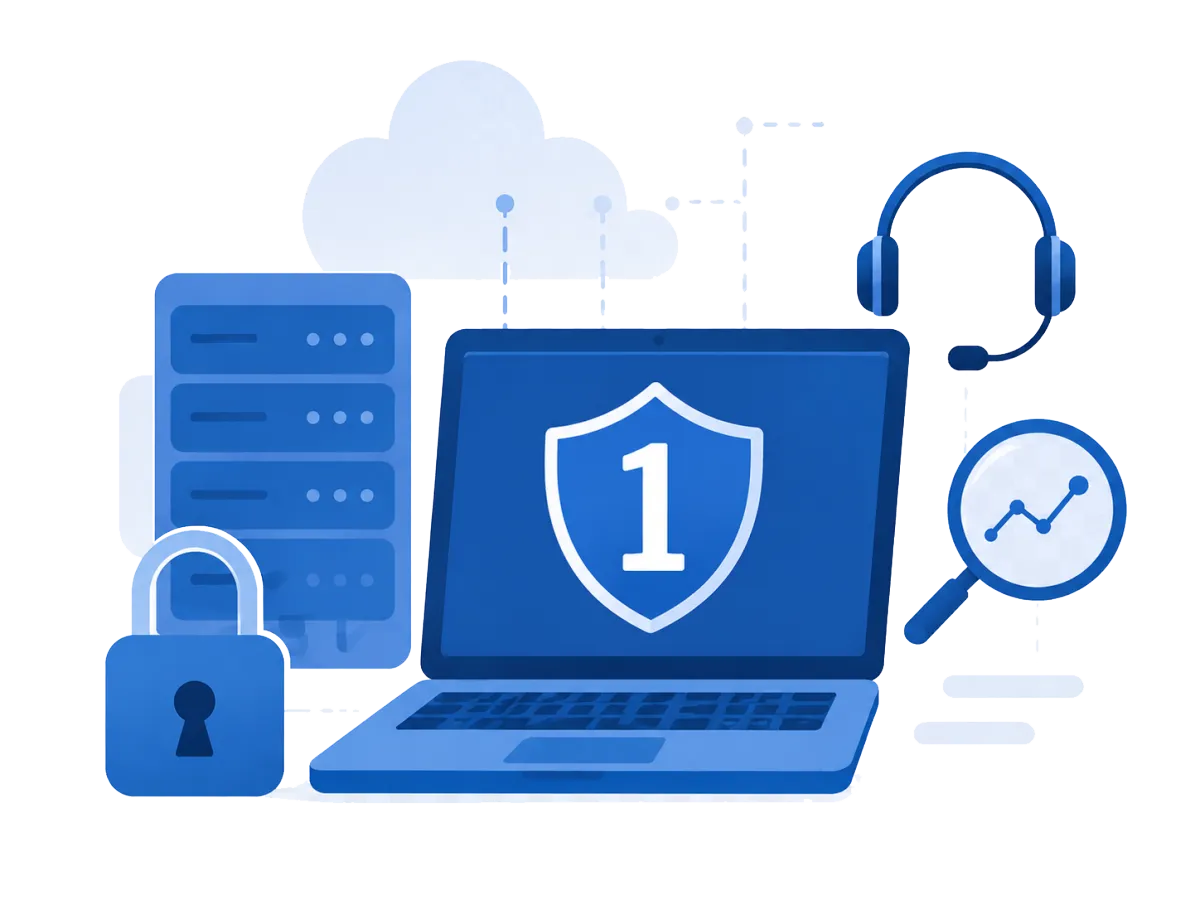
Built to keep your firm secure, supported, and moving.

"1Up is constantly monitoring our network and workstations, making sure we have the latest security updates. It gives me peace of mind knowing they're keeping our systems secure and running smoothly."
─ Tiffany Lynn, 1Up Client
Keep Your Firm Running
24/7 Monitoring and Maintenance
Your systems are watched around the clock so any issues get caught and handled before they turn into downtime.

Live Help Desk Support
When something needs attention, you reach a real person who explains things in plain English and gets right to work to solve the problem.

Microsoft 365 Support
Email, Teams, and shared files are your backbone, and we keep everything configured, secured, and available so there aren’t any bottlenecks.
Secure Remote Access
Your team can work anywhere without leaving client data exposed, thanks to encrypted connections and controlled access to files they need.
Workstation and Server Support
The machines your teams rely on stay maintained and dependable, which keeps billable work moving and avoids the slow, mid tax season issues which can cost you the most.
Keep Client Data Protected
Backup and Recovery Planning
Everything is automatically backed up and restores are tested so recovery times are quick and aren’t a threat to client records.
Security Updates and Patching
We handle the quiet, ongoing work of keeping systems current and closing the gaps that attackers look for to provide you with full peace of mind that your tax software, workstations, backups and client files are available when your team needs them most.

Email and Phishing Protection
Email is where most attacks on accounting firms start, so we filter phishing and malicious messages before they reach your team and keep client communication protected.

How the Process Works
A Simple Process Built Around Your Firm
To kick start our work together we follow a simple 4-step process:
Review your current IT setup together.
Identify your biggest uptime, security, and backup risks.
Build a practical support plan around your firm.
Keep your systems monitored, supported, and easier to manage.
Managed IT for Accounting Firms FAQs
Do accounting firms need managed IT services?
Most do. Even a small firm holds highly sensitive client financial and tax data, carries real data-protection expectations (FTC Safeguards Rule, IRS Publication 4557), and can’t afford downtime during tax season, but rarely have in-house IT to manage all of it. Managed IT gives accounting firms this coverage at a predictable monthly rate, usually less than hiring internally.
What happens if our systems go down during tax season?
With around the clock monitoring, most issues are caught and resolved before they ever cause downtime. If something does break, you reach a real person fast, and tested backups get you running again quickly, so a filing deadline never hinges on a support ticket sitting in a queue.
What happens if our firm gets hit by ransomware?
The goal is to make an attack survivable, not catastrophic. 1Up layers protection to lower the odds of one taking hold: email and phishing filtering, multi-factor authentication, security updates, and 24/7 monitoring, and backs it with off-site, tested backups. If something does get through, you restore clean data and get back to work quickly instead of paying a ransom or losing client records.
Can you support Microsoft 365 and remote access?
Yes. We keep Microsoft 365 including email, Teams, and shared files, configured, secured and available, and we set up secure remote access so your team can work from the office, home, or a client site without putting client data at risk.
How do you help protect client data?
Through layered, everyday protection: secured networks, email and phishing filtering, security updates and patching, endpoint protection on each workstation, and continuous monitoring. All this backed by automated, tested backups. The goal is to catch and reduce threats before they reach client data, and to make sure a single failure never puts those records at risk.
What if we have an IT person or provider?
That’s common, and it doesn’t have to mean ripping anything out, we can work alongside an internal person or take over from a current provider. The IT Risk Review is a low-pressure way to get a second set of eyes first; and if you do switch, we plan the transition around your calendar, avoiding cutover during tax season so your staff barely notices.
How fast can we get started?
It starts with the 20-minute Risk Review. From there, onboarding is planned around your calendar so it fits between deadlines rather than colliding with them, and we’ll be clear about what to expect at each step.
What happens during the 20-minute IT Risk Review?
We walk through where your firm stands on the things most likely to interrupt you including uptime, security, backups and remote access and flag any gaps worth addressing before tax season or a security incident. It’s free, takes about 20 minutes, and you’ll walk away with at least one practical takeaway whether or not you decide to work with us.
Not sure whether your current IT setup is ready for data attacks, tax season or data loss?
Get a 20-minute IT Risk Review and see where your firm may be exposed before downtime, data loss, or support delays create a bigger problem.
Copyright 2026 One Up Solutions Northwest. All Rights Reserved.